list an event

list event

How to list an event

Listing your event with Look Lively is simple. 

Whether it’s a live gig, quiz night or special event, our platform makes it easy to showcase your event and reach a wider audience.

Follow the step-by-step guide below to create, customize and publish your event in minutes.

How to list an event

Your event will display in your “My Events” section after 2 hours once posted but will be posted to the calender immediately.

If you need to edit the post before it’s displayed, use the search function in “My Events” section to manually type your event name.

list event

top tip

Description
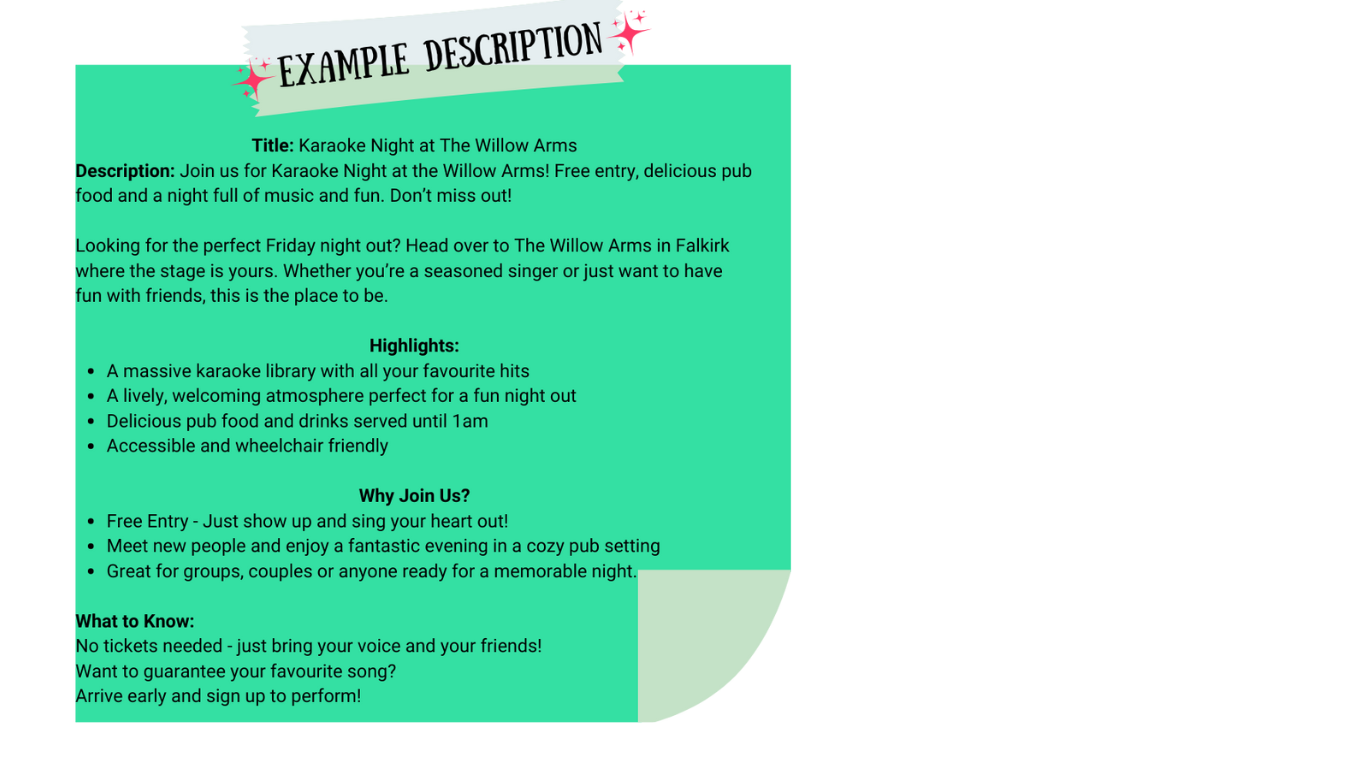
Write a clear and exciting description around 200 – 300 words, highlighting what makes the event special.

Add event image (recommended size 1200 x 675px. Choose a jpg, png or gif file under 256MB in size)

Set Event Status
Scheduled, cancelled or postponed.

Venue Details
Create your venue. If it’s your first time, start typing venue name and fill in the address details.
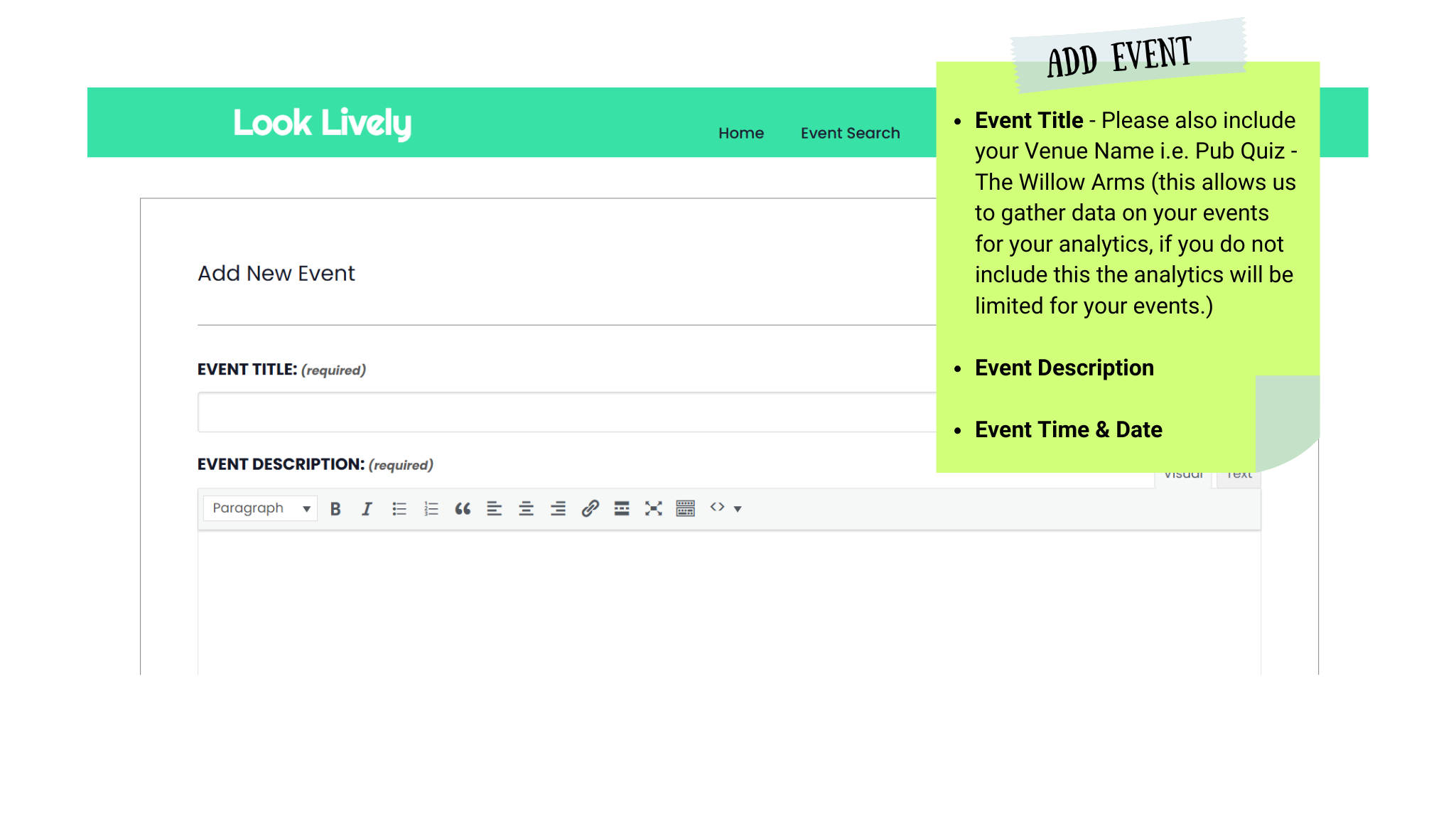
List event

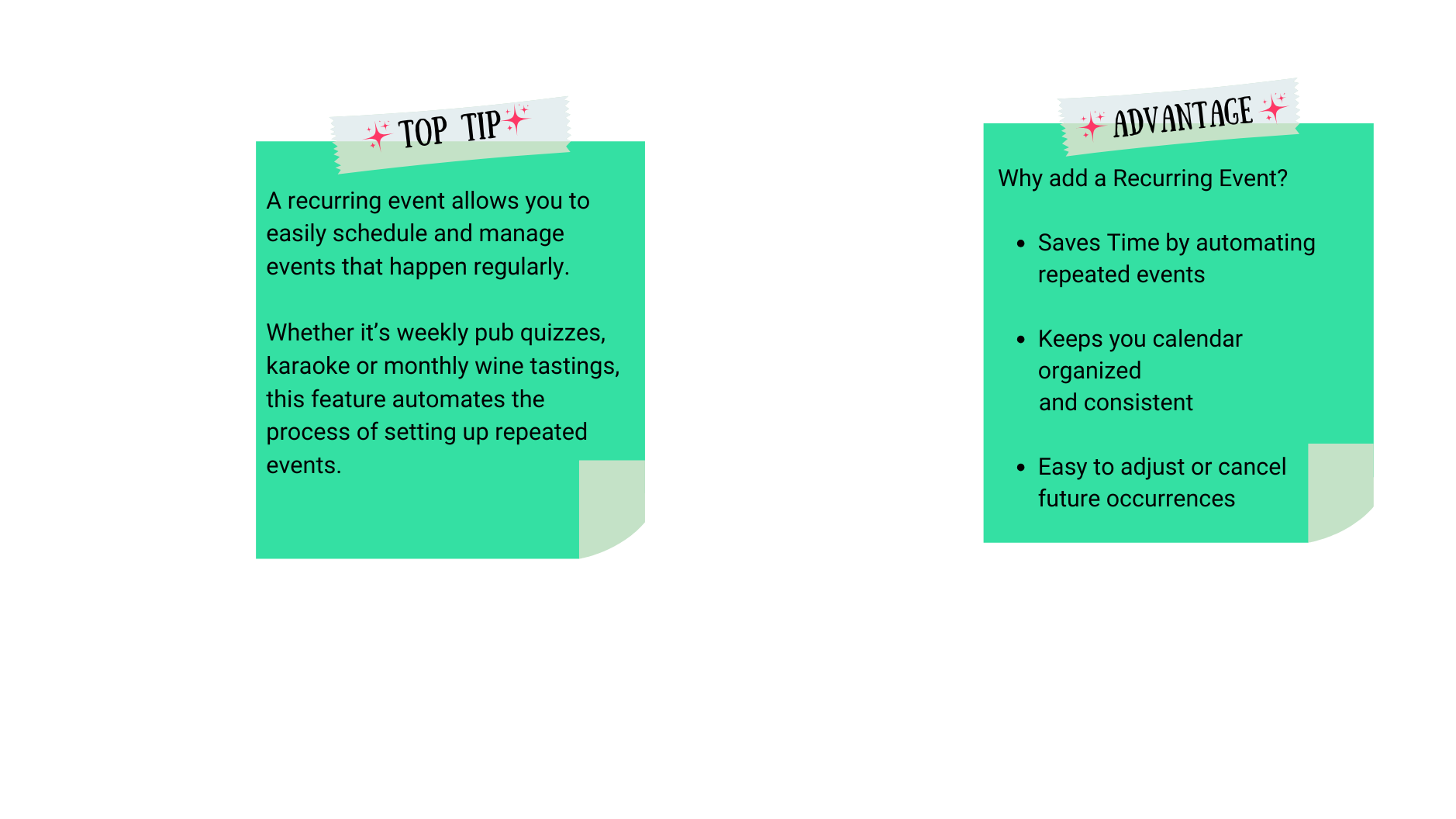
recurring event

Click + New Event

Add Name and Description

Add Start/End date and time

Click Schedule Multiple Events

Select when the event will reoccur

Add in any Exceptions, if required

join for free
still promoting events the hard way?

Easily list your events, increase visibility and attract more customers – all for free.

No subscriptions, no payments, no hassle.